Monitor Height and Distance: The Exact Numbers for a 24" vs 27" vs 32" Screen
Screen size changes both the correct height and the correct distance. Most generic advice ('top of screen at eye level') ignores this — here's the actual math by size.

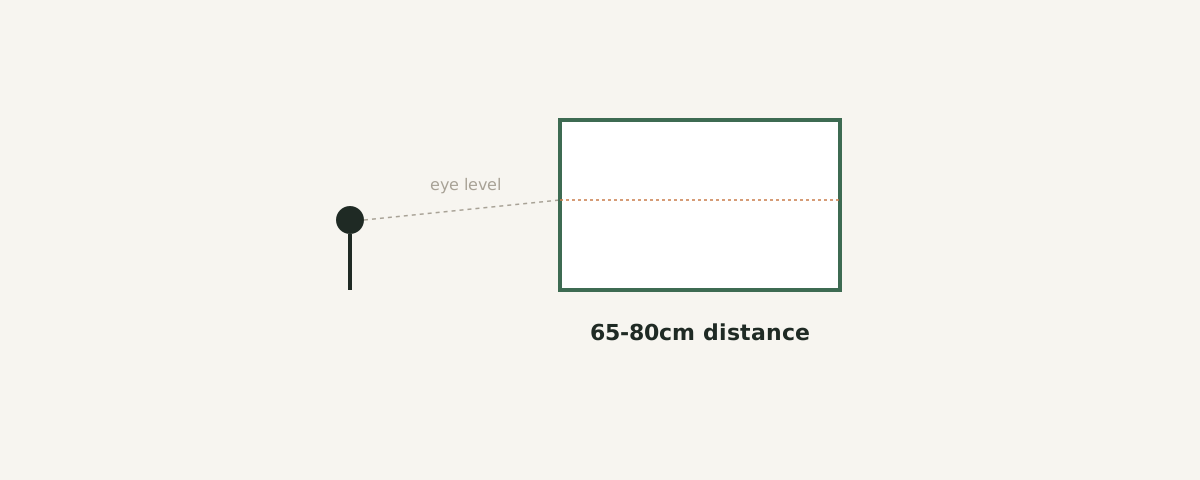
The baseline rule, and why it's incomplete
The common advice — "top of the screen at eye level, arm's length away" — is a reasonable starting point but it's really shorthand for two separate variables: viewing distance and vertical gaze angle. Both scale with screen size, which the generic rule doesn't account for.
Viewing distance by screen size
A practical formula used by display ergonomics guidance is roughly 1.5 to 2 times the screen's diagonal measurement, converted to viewing distance. In practice:
| Screen size | Recommended distance |
|---|---|
| 24" | 55-70cm |
| 27" | 65-80cm |
| 32" | 75-95cm |
If your desk depth doesn't allow the recommended distance for your screen size, that's a signal to consider a smaller screen rather than pushing the monitor closer than the formula suggests — see our single vs. dual monitor space guide for the desk-depth tradeoffs this creates.
Height by screen size
Vertical position is usually described as "top of screen at or slightly below eye level," but the practical target is a gaze angle of roughly 15-20° downward from horizontal to the center of the screen — not the top. Because larger screens have more vertical height, the center sits proportionally lower relative to the top edge, which shifts the correct mounting height down slightly as screen size increases, assuming the same eye position.
| Screen size | Top-of-screen height relative to seated eye level |
|---|---|
| 24" | at eye level |
| 27" | 2-3cm below eye level |
| 32" | 4-6cm below eye level |
To find your own eye-level number rather than guessing: sit in your normal posture, then have someone — or a phone propped on a tripod — mark where your eyes line up against the wall behind you. Most monitor stands and arms have at least 10cm of height adjustment range, which is usually enough to act on whatever number you find, rather than settling for the stock stand height.
A note on multi-monitor setups
These numbers assume a single, centered monitor. With two monitors angled toward you, the effective distance to each screen's outer edge increases slightly, and neck rotation becomes the bigger ergonomic factor — covered separately in our dual-monitor guide.
Quick reference
- 24" monitor: 55-70cm away, top edge near eye level
- 27" monitor: 65-80cm away, top edge 2-3cm below eye level
- 32" monitor: 75-95cm away, top edge 4-6cm below eye level
- Recheck after changing chair height — eye level shifts with seat height, not just monitor position